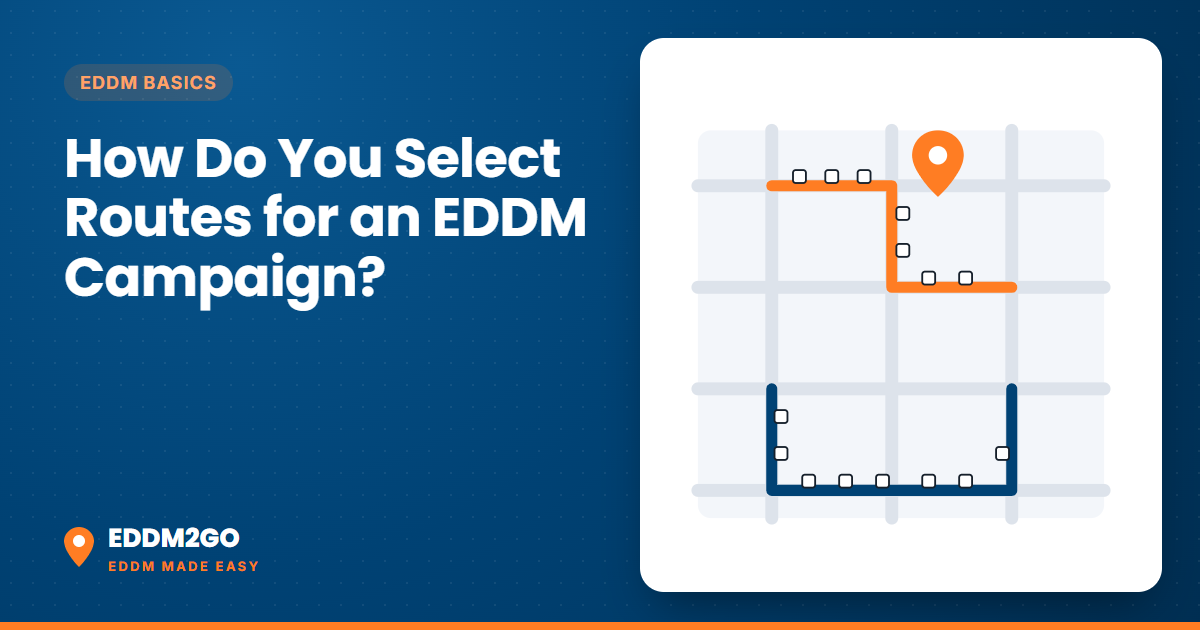
To select EDDM routes, search your ZIP code or address on a route map, click the carrier routes around your customers, check each route's count of homes and businesses, and decide whether to mail homes only. Your print quantity is the total of the routes you pick. Here is how to do it well, step by step.
Where can you pick EDDM routes?
There are two places. USPS runs its own EDDM route tool, which you use if you plan to mail EDDM Retail yourself. Our route map works the same way and adds the price: you see the homes and businesses on each route and the all-in cost of mailing them, before you give us any contact details. Either way, a carrier route is the path one mail carrier covers each day, and EDDM mails the whole route.
Step 1: Search your ZIP code or address
Start with your business address or the neighborhood you want to reach. The map shows the carrier routes in that ZIP, each as its own shape. On our map you can also limit the search to a radius of 1 to 5 miles around an address, which is a quick way to see the routes nearest your door.
Step 2: Check the homes and businesses on each route
Click a route to see how many residential and business addresses it has. Routes vary a lot in size, from dense apartment blocks to long rural routes, so always read the count rather than guessing. Where it helps, look at the ZIP code demographics and route-level estimates (median household income, homeowners, families with kids) to decide which neighborhoods fit your customer.
Step 3: Decide homes only or homes plus businesses
Most consumer offers mail homes only. Include businesses when they are your audience, for example a commercial cleaning service or a B2B lunch special. The choice changes your count and your price.
Step 4: Check the USPS quantity rules
For EDDM Retail, USPS accepts at least 200 and at most 5,000 pieces per ZIP Code per day (USPS EDDM page). If you pick more than 5,000 addresses in one ZIP, the mailing has to be split across days. Routes in different ZIP codes go to different Post Offices.
Step 5: Save your route list and see the price
On our map the price updates as you click, for the size and service you choose. Creating an account and confirming your email also earns a welcome credit, which applies automatically to a first paid order within 60 days: $25 off, or $50 off at $500 or more (before tax and USPS postage). For a sense of scale, 5,000 6.5 x 9 postcards with Full Service cost $2,643.17 before tax at the time of writing ($0.53 a piece), with printing, bundling, USPS paperwork and postage included.
How many homes will your routes reach?
Your reach is the sum of the addresses on the routes you pick, and route sizes vary a lot: dense neighborhoods pack many addresses into a short route, while rural routes cover more ground with fewer mailboxes. Two routes in the same ZIP can differ widely, so count routes on the map rather than trusting an average.
- Apartments count. Every apartment that gets its own mail is a separate delivery point, so apartment-heavy routes can have high counts. Choosing homes only removes businesses, not apartments, so check the route before adding it to a homeowner offer.
- Multiply by how often you'll mail. Mailing the same 3,500 homes four times a year is 14,000 pieces, which sets your yearly budget.
- Bigger mailings to one ZIP are split across days. EDDM Retail takes at most 5,000 pieces per ZIP per day; with Full Service we schedule the drops.
Here is what reach costs for a 6.5 x 9 postcard with Full Service at the time of writing, before sales tax. 8.25% sales tax is added at checkout on everything except the USPS postage.
| Homes reached | Full Service total | Per piece |
|---|---|---|
| 1,000 | $748.52 | $0.75 |
| 2,500 | $1,435.20 | $0.57 |
| 5,000 | $2,643.17 | $0.53 |
| 10,000 | $4,990.05 | $0.50 |
The cost per home falls as you mail more, because setup is spread over more pieces. Current prices for every size are on our pricing page.
How many routes should you pick?
Pick by budget and by what you want to learn. A first mailing to the routes nearest you, sized to a budget you are comfortable with, tells you more than a big mailing to routes you have never tested. Mail the same routes more than once before you judge them, then expand to neighboring routes that look like the ones that responded.
Common mistakes: picking routes by ZIP code alone without looking at the route shapes; mailing far-off routes before the close ones; mixing a lot of apartments into a homeowner offer; and changing routes, offer and design all at once so you cannot tell what worked.
Route tips from experienced mailers
- Start close. Your nearest routes are the easiest to serve and the easiest to measure.
- Match the route to the offer. Home-improvement offers suit routes with mostly single-family homes; a delivery restaurant can mail every route in its delivery area.
- Track by route group. Use a different QR code, landing page or phone number for each cluster of routes so you can see which neighborhoods respond.
- Plan for USPS timing. Carriers deliver on their own schedule and USPS does not guarantee EDDM delivery dates, so leave a buffer before any event.
Frequently asked questions
Can I target specific streets with EDDM?
No. EDDM mails whole carrier routes, not streets or single addresses. For street-level or address-level targeting you need an addressed mailing list.
How do I know how many households are on a route?
Click the route on the map. Both the USPS tool and our route map show the residential and business counts for each route.
What is the minimum number of homes I can reach with EDDM?
EDDM Retail needs at least 200 pieces per ZIP Code per mailing day. In practice you mail whole routes, so your minimum is the smallest set of routes that adds up to 200 or more.
Can I reach every home in a city with EDDM?
Yes, by selecting every carrier route in the city. Keep the 5,000 pieces per ZIP per day limit in mind; with Full Service we schedule the drops.
Can I exclude certain addresses on a route?
No. EDDM delivers to every address on a selected route. The only split is homes only versus homes plus businesses.
Can one campaign cover several ZIP codes?
Yes. Each ZIP's routes go to the Post Office that serves them. With Full Service we handle every drop; with Print Only you visit each Post Office yourself.
The fastest way to learn your area is to see the homes on your routes and the price, free. If you'd like a second opinion on which routes to start with, call (346) 306-EDDM (3336).